One-Tap Inspection · DOT Inspection App
The DOT inspection app: one tap, every document.
When an officer asks for your paperwork, tap once. One-Tap Inspection shows every document for the driver, vehicle, trailer, and company on one screen — current, readable, and available offline at any scale house or roadside stop.
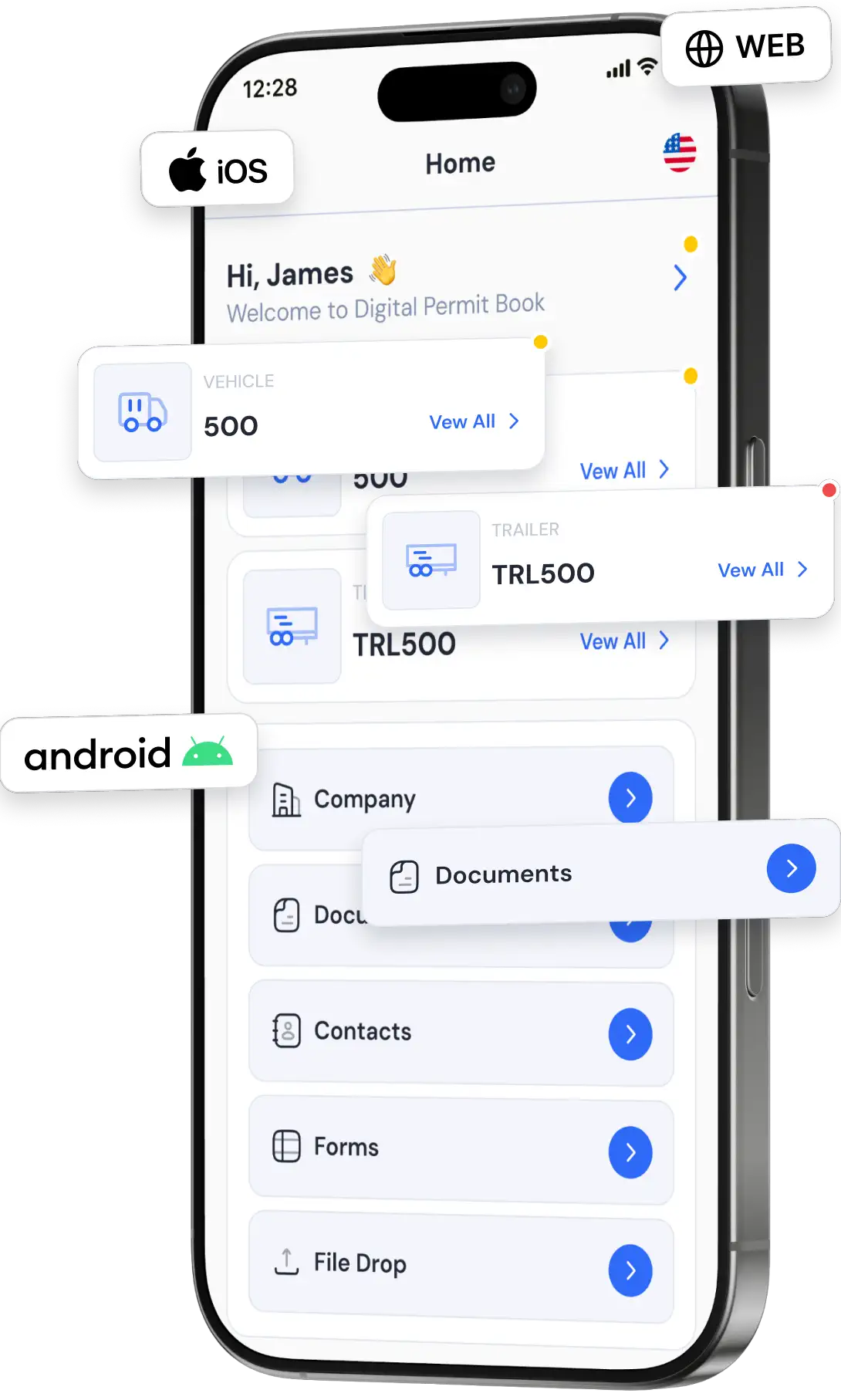



















How One-Tap Inspection Works
Your safety team keeps documents current. Your driver taps once. The officer sees everything.
Tap Once
The driver opens the app and taps DOT Mode. Every document appears on one screen — no folders, no searching.
Always the Right Equipment
Documents follow the vehicle and trailer the driver is in right now, synced from your ELD.
Works Offline
Documents live on the device, so they open at scale houses and in dead zones with no signal.
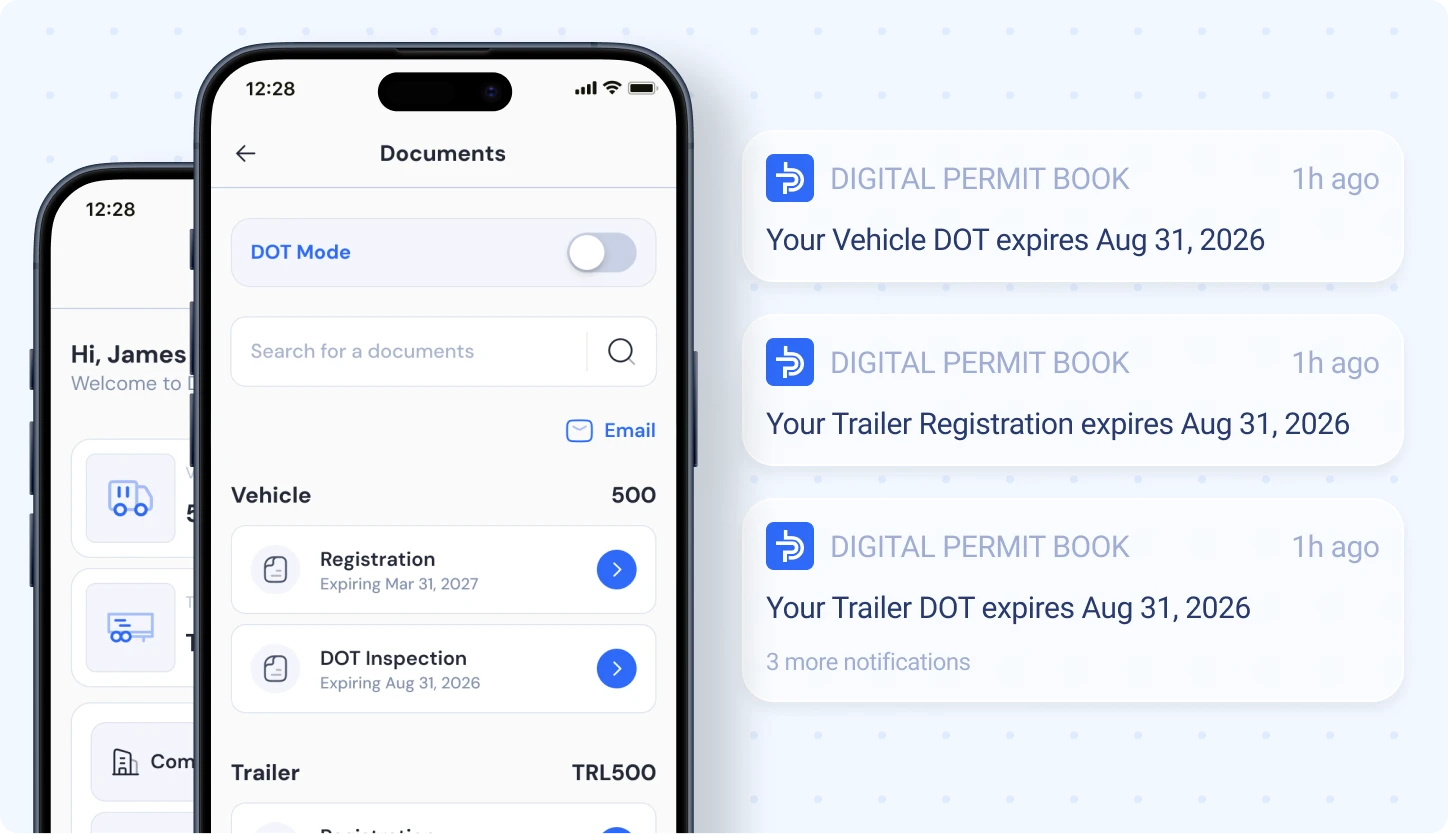
What Shows Up on the Screen
Everything an officer typically asks for — organized by driver, vehicle, trailer, and company.
Driver
Medical card and the driver credentials your company assigns. The physical CDL still rides in the wallet.
Vehicle & Trailer
IRP cab card, registration, IFTA license, insurance, and annual inspection reports.
Company
Operating authority, insurance certificates, and company-wide documents — plus one-tap email if the officer wants copies.
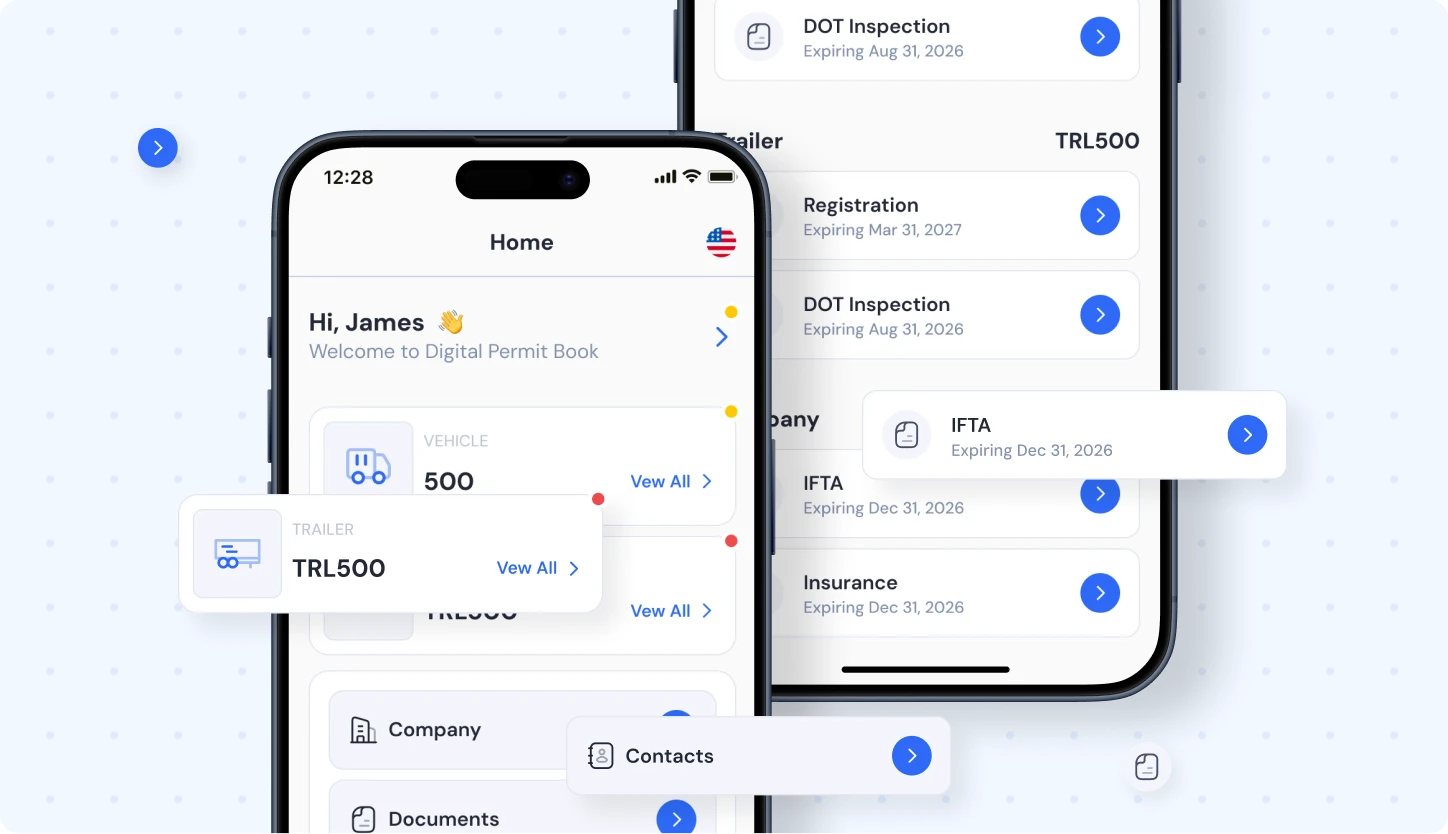
Behind the One Tap
What keeps every document current, so the one tap always works.
Expiration Alerts
Alerts 30, 15, and 7 days before anything expires, so nothing lapses before an inspection.
Instant Updates
Upload a renewed permit once and every assigned driver has it instantly — no reprinting, no terminal trips.

DOT Inspection App FAQs
A DOT inspection app lets drivers show required documents on a phone or tablet during a roadside inspection instead of digging through a paper binder. Digital Permit Book's One-Tap Inspection puts every driver, vehicle, trailer, and company document on one screen with a single tap.
Your safety team uploads and maintains documents in Digital Permit Book. When an officer asks for paperwork, the driver opens the app and taps once (DOT Mode). Every document for the driver, the assigned vehicle and trailer, and the company appears on one screen.
Yes. Federal rules under 49 CFR 390.32 allow required records to be kept electronically, and IRP cab cards and IFTA licenses have been accepted electronically in all member jurisdictions since 2019. Digital Permit Book shows them in a clear, readable format. Drivers must still carry their physical CDL, and hazmat shipping papers stay on paper.
Yes. Digital Permit Book stores documents on the driver's device, so One-Tap Inspection works at scale houses and in dead zones with no signal.
The documents follow the equipment. Digital Permit Book syncs equipment assignments from ELDs like Samsara, so the inspection screen always shows the vehicle and trailer the driver is actually in.
Yes. If an officer asks for copies, the driver can email any document directly from the app in seconds.
Whatever your company assigns — typically the driver's credentials, the vehicle's IRP cab card, registration, IFTA license, insurance, and annual inspection, the trailer's documents, and company authority documents. Digital Permit Book keeps each one tied to the right driver, vehicle, or trailer.
During a roadside inspection, you'll typically need to produce:
- Your physical CDL (must be the actual card — not a photo)
- DOT medical certificate
- Vehicle registration
- Insurance certificate
- IRP cab card
- IFTA license
- Inspection reports
With Digital Permit Book, all of these are stored digitally, kept current, and shown on one screen with One-Tap Inspection.
To prepare for a DOT inspection:
- Ensure all permits and documents are valid
- Keep documents easily accessible
- Stay updated on compliance requirements
Using Digital Permit Book keeps every document verified, organized, and one tap away.
Yes, Digital Permit Book sends alerts 30, 15, and 7 days before documents expire, so nothing lapses before an inspection.
Most ELD document features are folders you browse one file at a time. Digital Permit Book is built for the roadside: one tap shows every document for the driver, vehicle, trailer, and company on one screen, even offline.
See One-Tap Inspection With Your Fleet
Start your free trial today. Cancel anytime.