Roadside inspections move fast. An officer approaches your cab and asks for your IRP cab card. Your driver reaches for their phone, pulls it up in seconds, and the stop is over in three minutes.
That scenario is completely legal in all 50 states — but only if your driver has the right documents stored the right way.
Since 2015, and accelerating dramatically after 2019 federal guidance updates, the trucking industry has shifted toward electronic document compliance. But the rules around which documents can be electronic, how they must be stored, and what still requires paper are surprisingly specific — and misunderstanding them can cost you as much as carrying the wrong document entirely.
This guide covers exactly what every state accepts, what the law actually says, and how to make sure your drivers are covered at every weigh station and roadside stop in the country.
The Law That Makes Electronic Trucking Documents Legal
The foundation for electronic document acceptance is 49 CFR 390.32, which authorizes commercial motor vehicle operators to maintain required records in electronic form. This federal rule, along with updated FMCSA guidance, is what allows drivers to display documents on a smartphone or tablet during a roadside inspection.
Equally important is the Commercial Vehicle Safety Alliance (CVSA) Electronic Documents Policy, which guides enforcement officers on which documents they can legally accept in electronic form during inspections. When a DOT officer at a weigh station accepts your driver's phone instead of a paper binder, they're operating under this policy.
The key principle: federal law permits electronic storage and display of most DOT-required documents. State law cannot override this for documents that fall under federal jurisdiction. What varies by state is the acceptance of state-issued documents — particularly oversize/overweight permits.
What Every US State Accepts Electronically
As of 2026, all 50 states accept the following documents in electronic form during roadside inspections:
Driver Documents
- DOT medical examiner's certificate
- Medical waivers and exemptions
- Hours of service records (maintained via ELD)
- Driver vehicle inspection reports (DVIRs)
Company & Operating Documents
- Operating authority (MC number documentation)
- Insurance certificates (liability, cargo, general)
- Lease agreements
- Non-hazardous materials shipping documents
- Annual vehicle inspection reports
Registration & Tax Documents
- IRP (International Registration Plan) cab cards — electronic accepted since January 1, 2019 per IRP Inc. guidance
- IFTA (International Fuel Tax Agreement) license — electronic accepted since January 1, 2019
- UCR (Unified Carrier Registration) — no paper credential issued; verified electronically through FMCSA systems
- HVUT Form 2290 Schedule 1 — IRS accepts and issues electronically
Hazmat Documents — New for 2026
- PHMSA hazmat registration certificate (or a document showing your U.S. DOT Hazmat Registration Number) — electronic allowed since September 3, 2026
- Emergency response information — domestic carriers may keep electronic copies instead of paper since September 3, 2026
What Must Stay on Paper — No Exceptions
Despite broad electronic acceptance, two categories of documents are legally required in physical form and cannot be substituted with a digital version:
1. Commercial Driver's License (CDL)Your driver's physical CDL must be in their possession. A photo of it on a phone is not legally sufficient. This is non-negotiable under both federal and state law.
2. Hazardous Materials Shipping Papers Under 49 CFR Part 172, hazmat shipping papers must be physically present and accessible in the cab during transport — in a specific location (within driver's reach or in a door pocket). Electronic versions are not accepted as a substitute for hazmat loads.
3. IFTA Decals While the IFTA license can be electronic, the physical IFTA decal must still be affixed to the vehicle. The sticker stays on the truck.
4. State-Issued Oversize/Overweight Permits This is the most important state-specific variable. While most states now accept electronic OS/OW permits, some still require paper. Before any oversize or overweight move, verify the specific destination state's current requirements. Requirements in this category change frequently.
One Critical Rule for Electronic Document Storage
The rules require electronic documents to be accessible and readable when an officer asks for them — and in practice, that means they need to work without internet.
At a rural weigh station, in a mountain corridor, or on a remote stretch of highway, cell signal may be nonexistent. If your driver's documents live in a cloud link or a browser tab that requires a live connection to load, they may as well not exist at the moment an inspector asks for them.
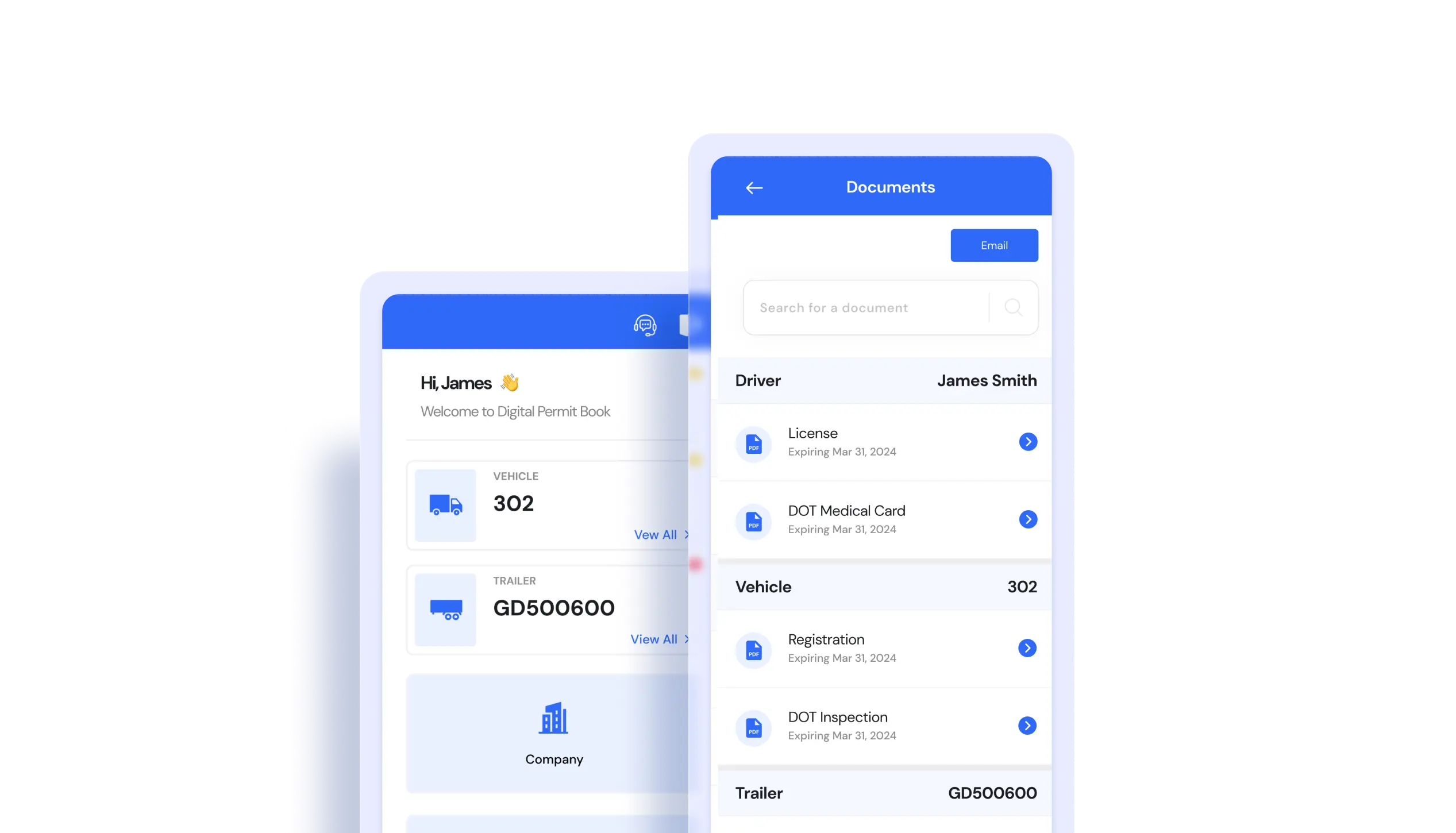
Documents should be stored as downloaded PDFs in the device's local storage — not as links, bookmarks, or cloud-only files. This is one of the most common compliance gaps we see when fleets first come to Digital Permit Book. They have the documents. They just can't always access them.
50 % of new DPB customers we onboard have at least a few documents stored as a link rather than a downloaded file.
State-Specific Requirements: The 13 Areas That Vary
While federal rules govern the core documents above, states have authority over the following areas. These vary — sometimes significantly — by state.
1. Oversize and Overweight Permits Every state issues its own OS/OW permits with its own rules. Some states now issue these electronically through their DOT portals. Others still require paper. Dimensional and weight thresholds also differ — what requires a permit in one state may not in another.
Some states have historically required paper OS/OW permits, including Delaware, Massachusetts, New Jersey, New York, Pennsylvania, Rhode Island, South Carolina, and Wisconsin, and Texas and Virginia recommended paper copies. Carrier feedback since 2023 indicates most of these now accept electronic permits in practice, but written policies vary. Always confirm with the destination state's DOT before an oversize move. For the full process, see our guide on how to get an oversize load permit.
Need the permit office itself? Our trucking permits by state page links to the official IRP, IFTA and oversize/overweight permit office for all 50 states and 10 Canadian provinces.
2. Weight Limits Federal bridge law sets the baseline, but states can set lower limits on specific roads and bridges. Some states have seasonal weight restrictions (spring thaw restrictions are common in northern states) that can change the legally loaded weight of your truck depending on the time of year.
3. Toll Road and Electronic Toll SystemsStates with toll roads, bridges, and tunnels have varying requirements for commercial vehicles. Some require pre-registration for commercial accounts. Transponder requirements (E-ZPass, TxTag, SunPass) differ by state and facility.
4. Fuel Tax Reporting (IFTA) While IFTA is a unified agreement, each member jurisdiction has its own audit procedures and can require additional documentation. Keep detailed mileage and fuel records by state — not just totals.
5. Hours of Service State Variations Federal HOS rules under 49 CFR Part 395 apply everywhere, but some states have state-specific exemptions or variations for agricultural operations and short-haul drivers. Know which exemptions apply to your operation in the states you run.
6. Hazardous Materials Entry Requirements Some states have route restrictions, tunnel restrictions, and pre-notification requirements for hazmat loads that go beyond federal requirements. California, New York, and New Jersey are particularly notable for state-level hazmat regulations.
7. Chain Laws States with mountain passes and winter weather have mandatory chain laws. California, Oregon, Washington, Colorado, Nevada, and Wyoming have active chain requirements that can be triggered by weather conditions. Violations carry significant fines and can result in out-of-service orders.
8. Idling Restrictions Several states and municipalities have idling restrictions for commercial vehicles — typically 5 minutes or less. California has some of the strictest idling rules in the country under CARB regulations. Fines can reach $300 per violation.
9. Emissions Standards California (and states that adopt California standards) has emissions requirements for commercial trucks that go beyond federal EPA standards. If you run into California, Oregon, Washington, or other CARB-compliant states, verify your equipment meets their requirements.
10. Rest Area and Parking Regulations Truck parking time limits, overnight parking rules, and designated commercial vehicle rest areas vary by state. Some states prohibit commercial vehicles from parking on highway shoulders except in emergencies.
11. Temporary Trip Permits If you operate in a state where you're not apportioned under IRP, you may need a temporary trip permit. Requirements and costs vary by state and can typically be obtained through the state's DOT online portal.
12. Agricultural Exemptions Several states offer HOS and weight limit exemptions for agricultural operations during harvest seasons. If your freight involves agricultural commodities, know which states offer exemptions and what documentation is required.
13. Weight-Distance Taxes Four states charge a separate highway-use tax based on miles driven and vehicle weight, filed independently of IFTA: Oregon (weight-mile tax, over 26,000 lbs), New Mexico (weight distance tax, over 26,000 lbs), Kentucky (KYU, over 59,999 lbs), and New York (HUT, over 18,000 lbs). Each requires its own registration and periodic filing, and the credential should be in your driver's document set.
The Document Every Fleet Forgets Until It's Too Late
UCR registration catches more fleets off guard than almost anything else.
Unlike most permits that expire at varying times throughout the year, UCR registration expires December 31 for every carrier, every year — right in the middle of the holiday season when compliance tasks fall through the cracks. Miss the renewal and you're technically operating illegally in all participating states from January 1.
The fine: up to $100 per vehicle per day for operating without current UCR registration.
The good news: there's no physical UCR credential. Enforcement verifies registration through FMCSA's electronic systems. But that also means there's no sticker on your truck reminding you it needs to be renewed. The reminder has to come from your compliance system.
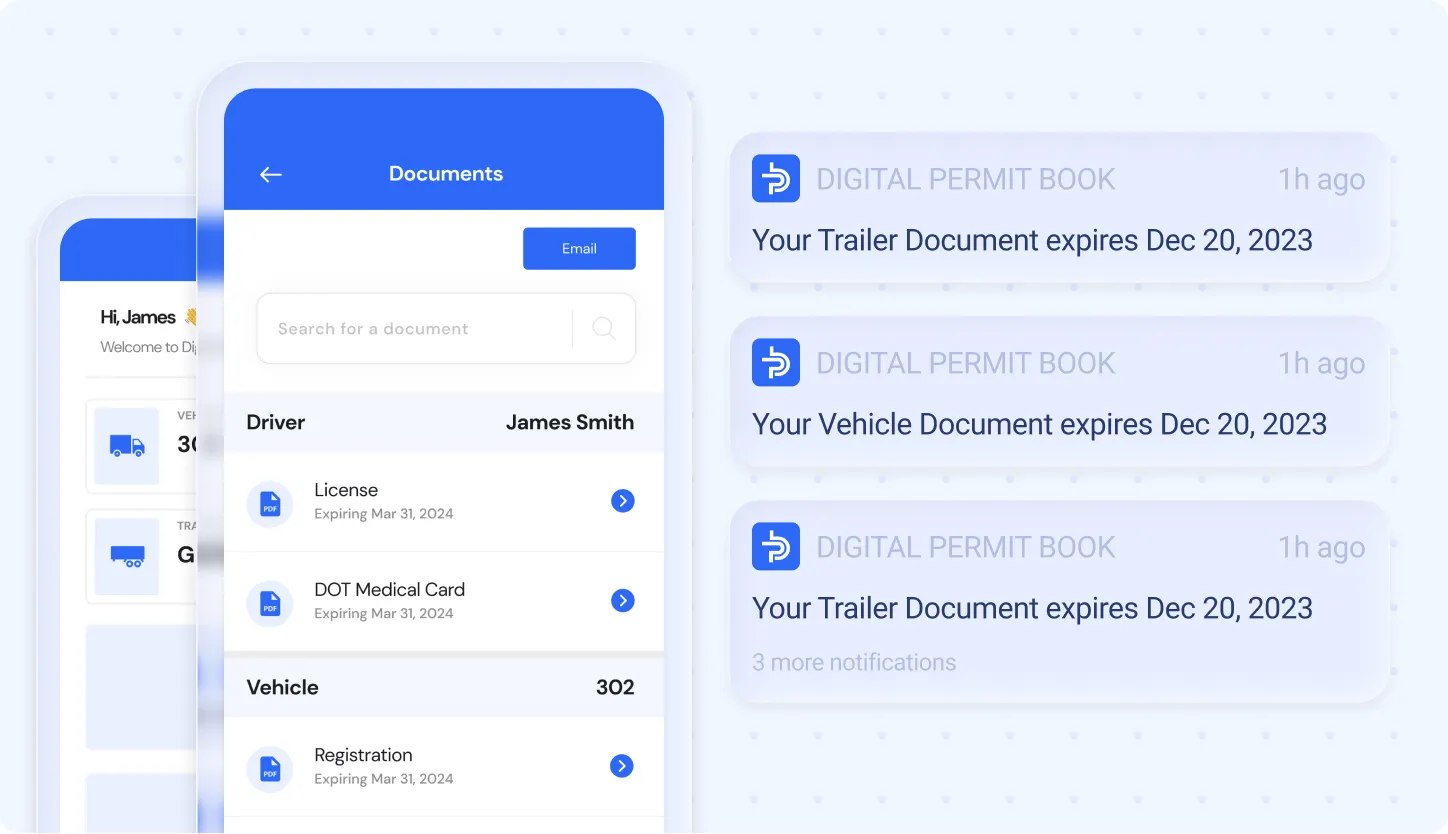
Digital Permit Book sends UCR renewal alerts at 30, 15, and 7 days before expiration — the only reminder most fleets will actually see.
Paper vs. Digital: What Changes at a Roadside Inspection
How to Make Sure Your Electronic Documents Are Inspection-Ready
Having documents electronically is not the same as being ready for an inspection. Here's what "ready" actually means:
1. Downloaded, not linked. Every document should be a PDF stored on the device — not a bookmark or a cloud link.
2. Organized by category. An officer asking for the IRP cab card shouldn't require your driver to scroll through a Photos folder. Documents should be findable in under 10 seconds.
3. Current version on every device. If you updated your insurance certificate last week, every driver's app should show the new version — not the expired one.
4. Accessible without a passcode delay. In a real roadside stop, fumbling through a lock screen while an inspector waits is a bad look. Your compliance app should allow document access quickly.
5. Expiration dates tracked proactively. The document that gets you cited isn't usually one you forgot to upload. It's one you uploaded and then forgot to update when it expired.
Quick Compliance Checklist: Before Your Next Run
- IRP cab card downloaded as PDF on driver's device (not just a link)
- IFTA license downloaded on device; physical decal on truck
- Insurance certificate current and downloaded
- DOT medical certificate current — check expiry date
- Annual inspection current — verify paperwork matches the sticker
- UCR registration verified current for this calendar year
- OS/OW permit obtained and confirmed (paper or electronic) for destination state if applicable
- Hazmat shipping papers physically present if carrying hazmat
Frequently Asked Questions
Can I show my IRP cab card on my phone at a weigh station?Yes. Since January 1, 2019, IRP cab cards can be presented in electronic form in all IRP member jurisdictions. Store it as a downloaded PDF so it's accessible without cell signal.
Does every state accept electronic insurance certificates? Yes. As of 2022, all 50 states accept electronic insurance certificates for commercial motor vehicles during roadside inspections.
Can hazmat carriers go digital too? More and more. As of September 3, 2026, federal rules let carriers keep their PHMSA hazmat registration and emergency response information electronically.
What electronic trucking documents are NOT accepted? Your physical CDL must be in your possession at all times. Hazmat shipping papers must be physical. IFTA decals must be physically on the truck. State-issued oversize/overweight permits vary — always verify for your specific route.
Do electronic documents work if I have no cell signal? Only if they're downloaded to the device. Documents that require internet to load (links, cloud-only files) will not be accessible without signal. Store all documents as local PDFs.
What happens if I can't produce a document at a roadside stop? A missing or inaccessible required document can result in a roadside violation, a citation, or an out-of-service order depending on which document is missing. Fines range from a few hundred dollars to over $16,000 for certain DQ file violations.
How often do state electronic permit requirements change? Frequently. OS/OW permit rules and some state-specific requirements are updated regularly. The safest approach is to verify requirements through the destination state's DOT portal before each move, particularly for oversize loads.
Conclusion
The shift to electronic trucking documents isn't coming — it's already here. Every state accepts electronic IRP cab cards, IFTA licenses, insurance certificates, and the full library of FMCSA-required documents. The drivers who get cited aren't the ones who went digital. They're the ones who went digital carelessly — cloud links that don't load, expired documents nobody updated, documents buried in a Photos folder during a 30-second inspection window.
The legal framework is clear. What separates compliant fleets from cited fleets isn't which state they're operating in. It's whether their documents are current, organized, and accessible when a DOT officer is standing next to the cab.
That's exactly what Digital Permit Book was built to solve — a single system where every driver's documents are automatically pushed to their device, organized by category, always current, and shown on one screen with One-Tap Inspection, with automatic expiry alerts before anything lapses.